



Why The Simulation Engine Matters
ION Commodities’ Openlink platform’s simulation engine is the lifeblood of every implementation, generating over 200 pre-defined results including Mark to Market (MTM), Profit and Loss (PNL), Greeks, and Value at Risk (VaR), alongside custom user defined results built in OpenJVS and OpenComponents. These results underpin credit, risk management, accounting, and reporting across your entire trading operation.
Even though results are stored as compressed data, volume grows over time. When it goes unmanaged, the consequences are real:
- Larger databases slow down maintenance, upgrades, and backups
- Slower end of day (EOD) processing affects every downstream workflow that depends on saved results
The good news is that growth is largely controllable.
Best Practices for Controlling Simulation Result Size
Reduce the Number of Active Trades
The number of validated, in force trades is one of the most direct drivers of result set size.
- Mature trades promptly. Maturing trades removes them from EOD results and maintains simulation performance. Transaction status is a more reliable control than time binding queries, and maturation is no longer irreversible – transactions can be un-matured if needed.
- Run the closeout process. For bonds, futures, and other exchange traded instruments, the closeout process consolidates positions and reduces trade count in your results.
- Address fee trade configuration. If your implementation generates individual transactions for third party fees rather than recording them as cash flows on the originating trade, reconfiguring this can significantly reduce trade counts.
Be Selective About Which Results You Run
- Run only what you need. Results such as “VaR Gridpoint Raw Data” and “Monte Carlo VaR Statistics” are valuable for validating calculations but unnecessary for routine risk reporting. Every unused result adds size and slows simulation.
- Challenge the frequency of each scenario. If VaR is only reviewed monthly, only run and save it monthly. Ask whether each scenario needs to be saved at all, or whether it can be calculated on demand.
- Keep user defined results lean. Add only the rows and columns genuinely required. Use integer IDs rather than strings for fields such as instrument types and cash flow types – strings consume considerably more space and the core formatting APIs handle display automatically.
Manage Cumulative Results
Cumulative results carry forward trades from the prior simulation into the current one. If result sets keep growing despite stable trade volumes, old trades propagating through cumulative results are likely the cause.
- Review your queries to confirm expired trades are not being carried forward, particularly if trades are not being actively matured.
- Use result compaction. Openlink includes functionality to remove very old trades from cumulative results. Running it once on the most recent result set is typically sufficient for a lasting effect.
Purge and Archive Regularly
- Purge official result sets in line with your corporate data retention policies. Purged data cannot be recovered within Openlink, so any archiving must be handled by third party tools beforehand.
- Review ad hoc simulations regularly. User saved result sets accumulate quickly without oversight and contribute meaningfully to overall database size.
How capSpire Can Help
capSpire has helped many organizations take control of their Openlink simulation data through technical assessment, code remediation of user defined results, and system configuration aligned to best practices. If simulation result growth is affecting your performance or operations, contact us to discuss how we can help.

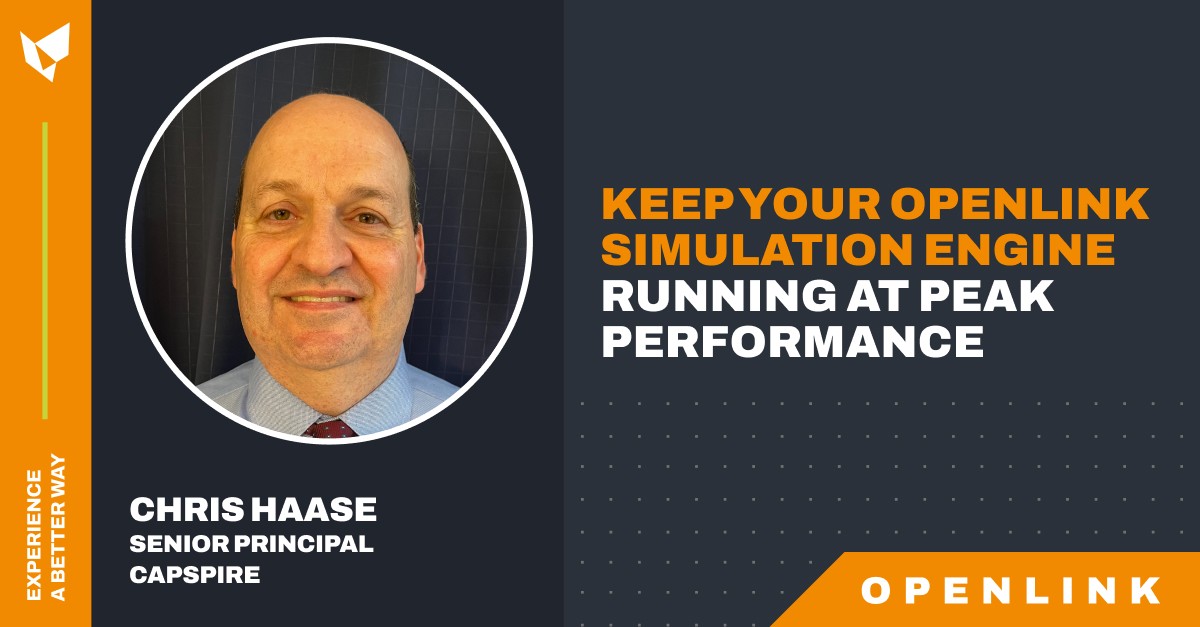
Chris Haase, Senior Principal, capSpire
Learn more about our Openlink Endur services here.
Learn more about our Openlink Findur services here.